The reading and its nuances
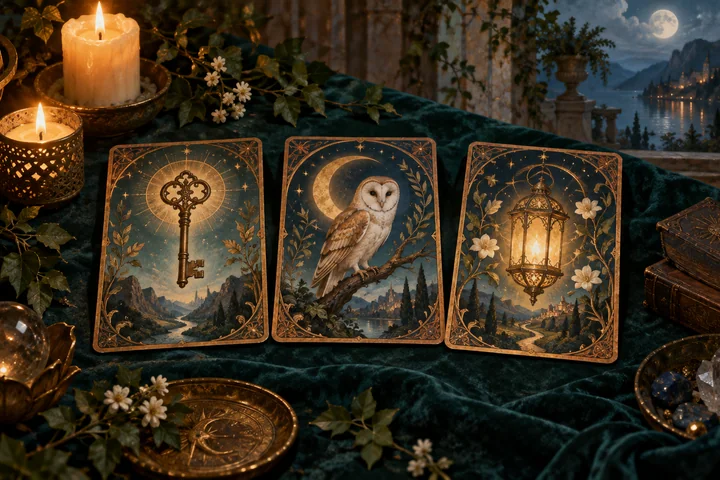
Runes form a journey in three voices. The symbol provides a theme, its position provides a viewpoint and its orientation adds nuance. Look for connections between all three before treating one rune as the whole answer.
Schreibe deine Frage und die Runen der Wikinger werden dich führen
Lass dich von deiner Intuition leiten
Die Runen enthüllen dein Schicksal…
Explore this tradition with a welcoming guide, an example and the keys to your consultation.
Runes form a journey in three voices. The symbol provides a theme, its position provides a viewpoint and its orientation adds nuance. Look for connections between all three before treating one rune as the whole answer.
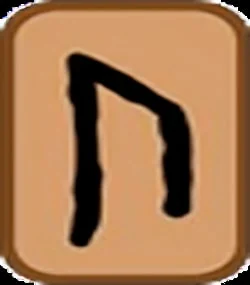
This modern variant uses the 24 Elder Futhark runes. Choose three different runes: past, present and future, in that order. Each may be upright or reversed; the same rune cannot occur again in another orientation.
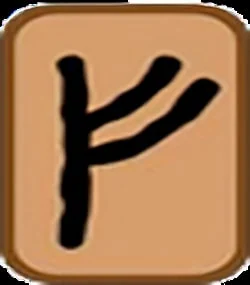
Imagine Fehu, Isa and Raidho, in that order and upright. An example reading might connect gathered resources, a present pause and a direction to explore. Fehu is the background, Isa the present and Raidho a future possibility. The third position opens a perspective rather than fixing an event.
This application retains reversals for all 24 runes, including visually symmetric ones. Read reversal as an interpretive nuance and check its label; one rune cannot appear twice with different orientations.
Choose one subject and a clear question. If the tool has no question field, keep it as a personal reference. Connect the symbol with a specific situation and note both what fits and what remains open.
When Retry this reading appears, you can continue with the same question and selection. A new consultation allows another draw, and AI may write a different interpretation. The pauses and usage limits remain in place.
Separate the symbol from what you know through experience. Use its contrast to ask a question or explore a possibility; examples illustrate a reading without certifying facts or fixing the future.
Use Save reading once the result is complete. In My readings you can reopen it, add notes and download it as text. Data stays in this browser; use the library backup if you want to keep it when changing devices.